
Recently I gave the local-first note-taking app Obsidian a try. However, while setting up the app for my Mac and iPad, I ran into a problem. Since Obsidian stores notes privately on device, by default there isn’t a way to sync notes between your devices.
The short answer: Obsidian’s own sync is paid, but a vault stored in iCloud Drive syncs between iPhone, iPad and Mac on its own. No plugins, no subscription, nothing to maintain. Setup takes about five minutes, and the steps plus the one error you’re likely to hit are below.
Obsidian does provide a syncing option, Obsidian Sync, as a subscription, with a Standard tier costing $4, and a bigger Plus tier at $8.
Now, while the subscription price is fair, by this point I hadn’t given Obsidian a proper try. I switch between devices a lot, and being able to pick my notes up where I left them is the whole point of a notes app.
Eventually I did stumble upon a solution to this. The thing is, on Apple devices, iCloud basically works the same way for syncing notes! And since I’m already paying for iCloud storage, it makes sense to use it here, instead of paying an additional subscription.
How to sync Obsidian for free with iCloud
Download Obsidian onto each Apple device (Mac, iPad, iPhone), then:
-
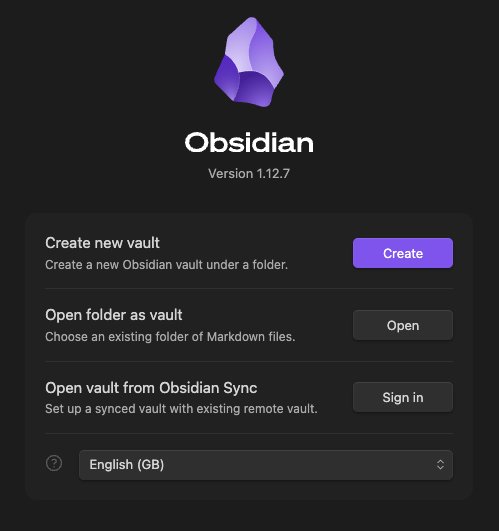
On one device, select create a new vault.
-
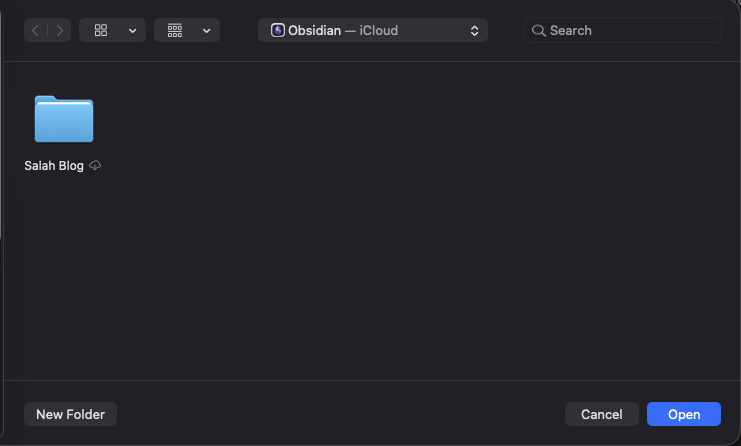
Name your vault, then pick its location, making sure the folder is inside iCloud. In my case, that was the default suggested folder.

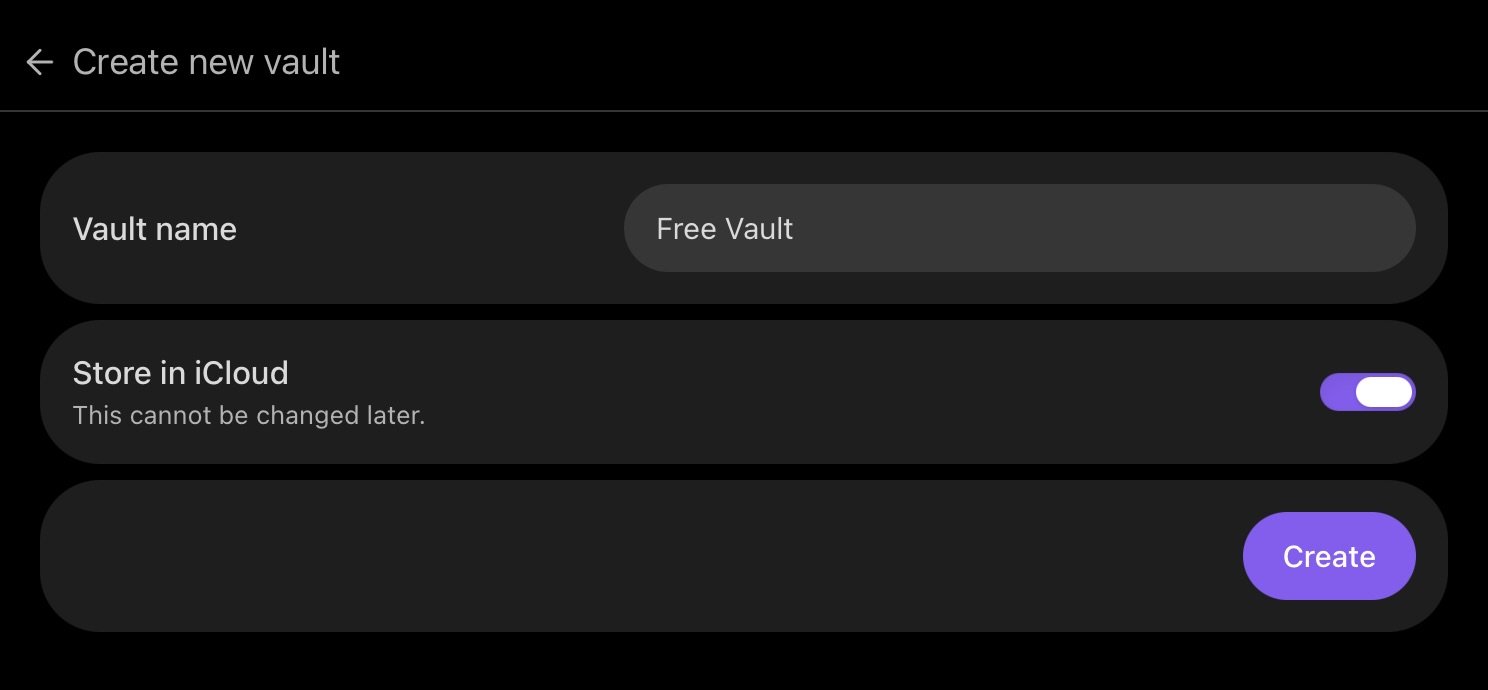
Note that on iPad/iPhone, instead of choosing the location of the folder, you only have to make sure that “Store in iCloud” is turned on.
-
Open Obsidian on your other devices, and choose “Use my existing vault.”
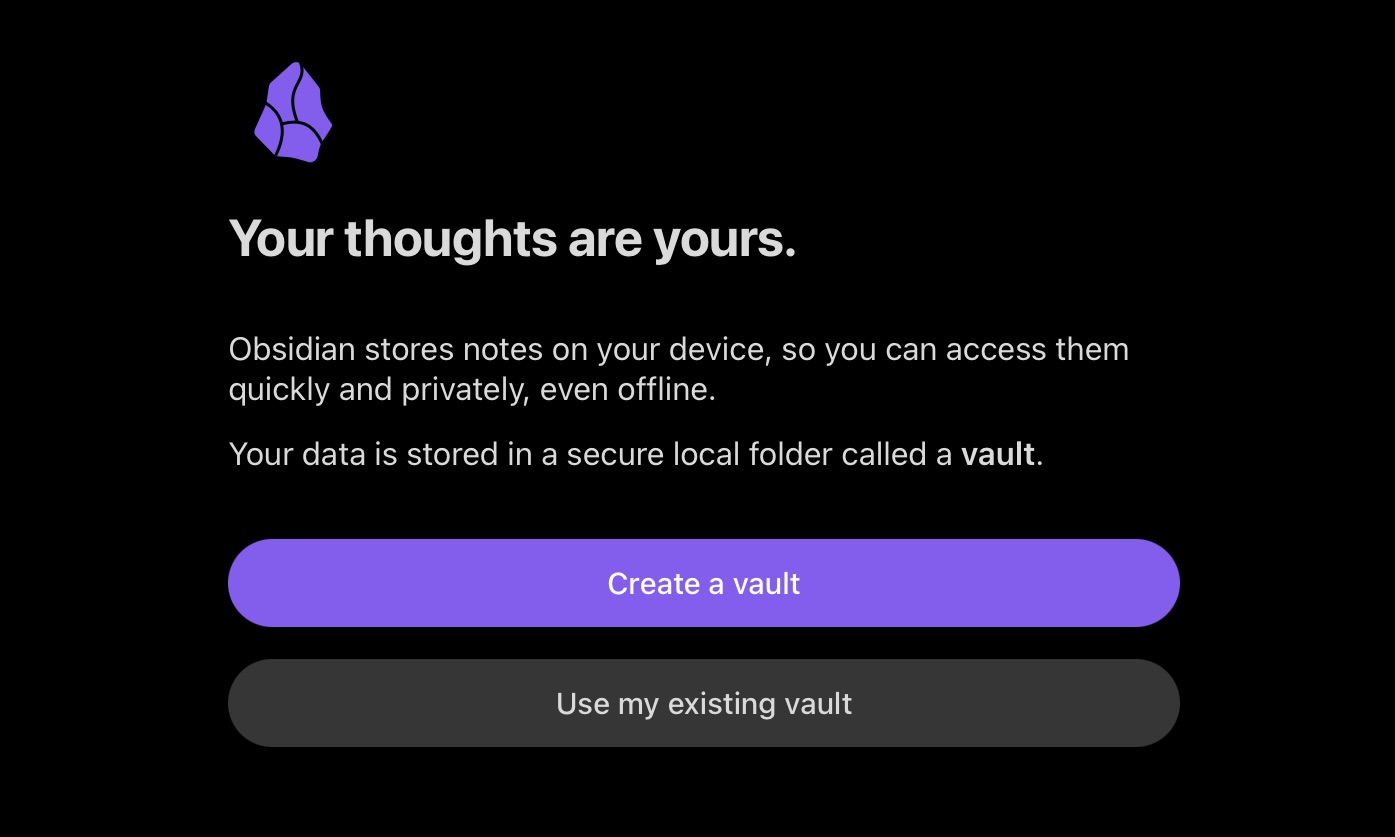
-
Select iCloud.
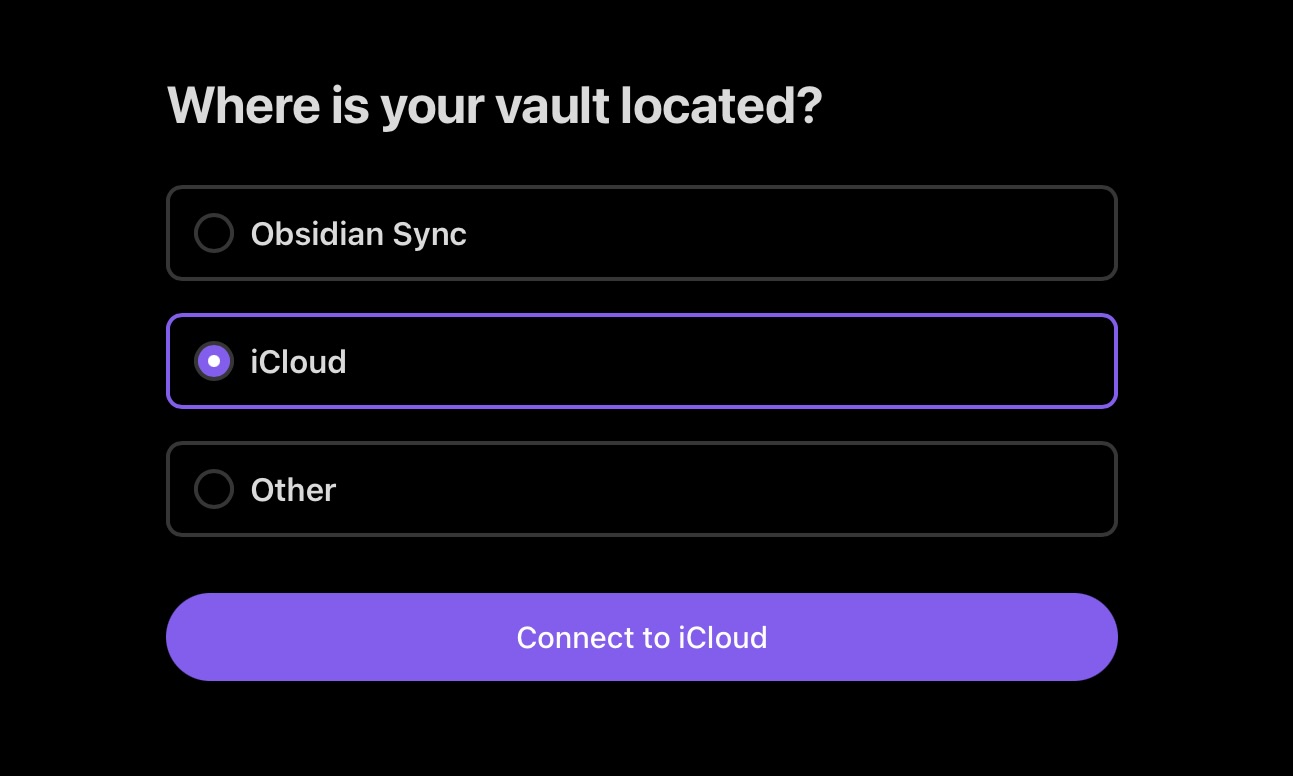
-
Done! Repeat for all other Apple devices.
Troubleshooting
When selecting the iCloud vault, if you get an error message that says:
Your iCloud vault was not detected. This could be due to any of the following reasons:

1. Your vault is on a different iCloud account than the one you are currently signed into on this device.
2. Your vault is not stored on the top-level Obsidian folder of your iCloud Drive.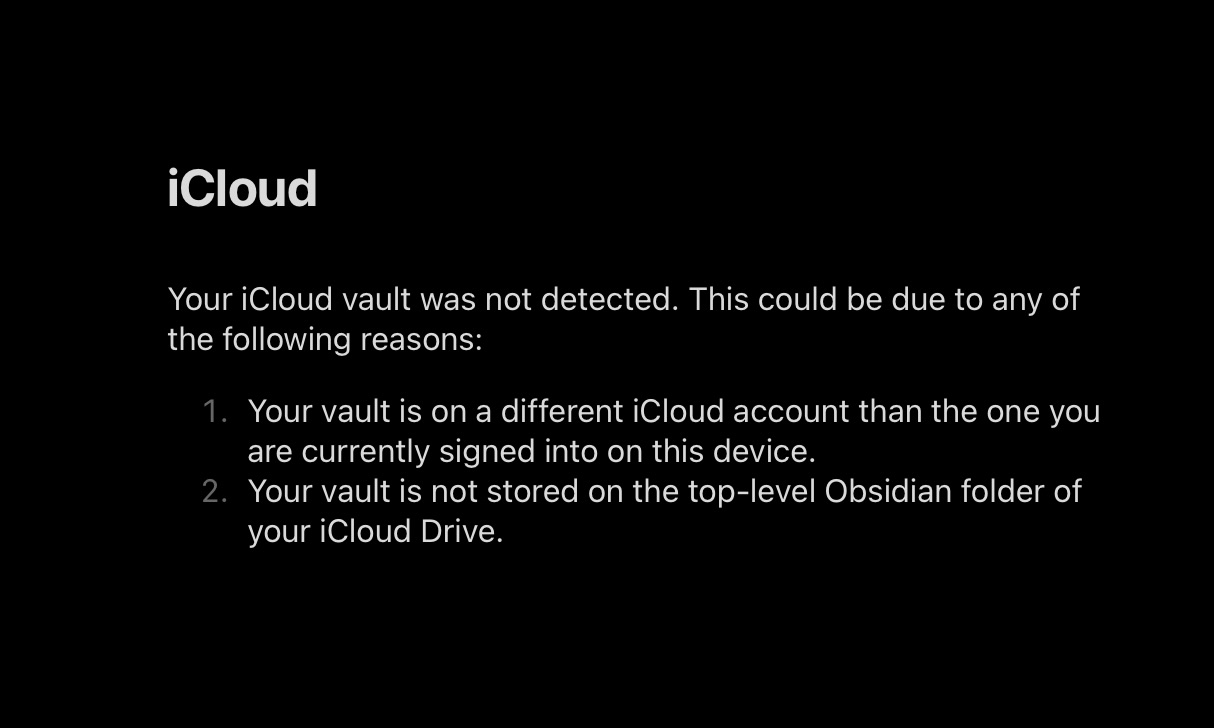
-
Make sure the vault folder has synced to your current device
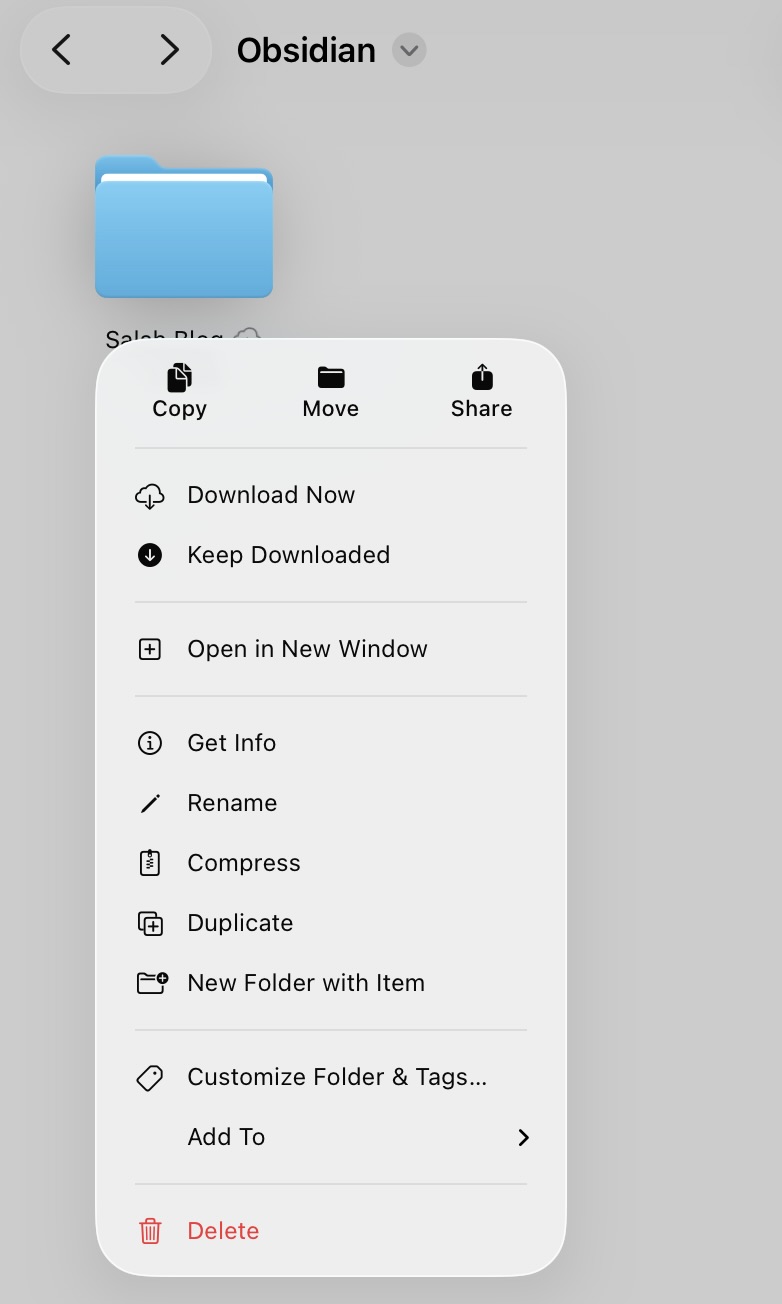
We need to press Download Now here to download the folder to our device, if it has not been downloaded already.
-
If above does not work, make sure that the Obsidian folder is at the top-level of your iCloud Drive.
Once the vault opens on every device, that’s it. Edit a note on your Mac and it’s on your iPhone by the time you pick it up.
Is Obsidian Sync free?
No, and that trips people up. Obsidian the app is free; Obsidian Sync is the paid add-on at $4 a month. The free part is what this post uses: iCloud Drive syncs any folder between Apple devices, and a vault is just a folder.
To be fair to the paid option, Sync does things iCloud won’t, like end-to-end encryption and version history, and it reaches devices outside Apple’s world. If everything you own has an Apple logo, you’re not missing much.
iPhone and Mac, iPad and iPhone, any Apple pair
The setup above covers every combination. The vault lives in one iCloud folder, and every device signed into the same Apple ID sees that folder. The only difference between devices is where the setting lives: on iPhone and iPad you switch “Store in iCloud” on when creating the vault, and on a Mac you pick a folder that sits inside iCloud Drive.
What about Windows or Android?
iCloud Drive is the Apple-only part of this. On a mixed setup, the same folder trick works with Dropbox or OneDrive as the synced location, or you pay for Obsidian Sync, which exists for exactly that situation. The route in this post is for people whose devices all come from one fruit company.