
Creating a custom GPT in ChatGPT is surprisingly easy. Whether you want to add a bunch of PDF files as a knowledge base, or just change the way the GPT responds slightly, here’s how it’s done:
Prerequisites
- ChatGPT Plus subscription ($20) You’ll need the $20 subscription to be able to make your own custom GPTs.
Creating Your Custom GPT
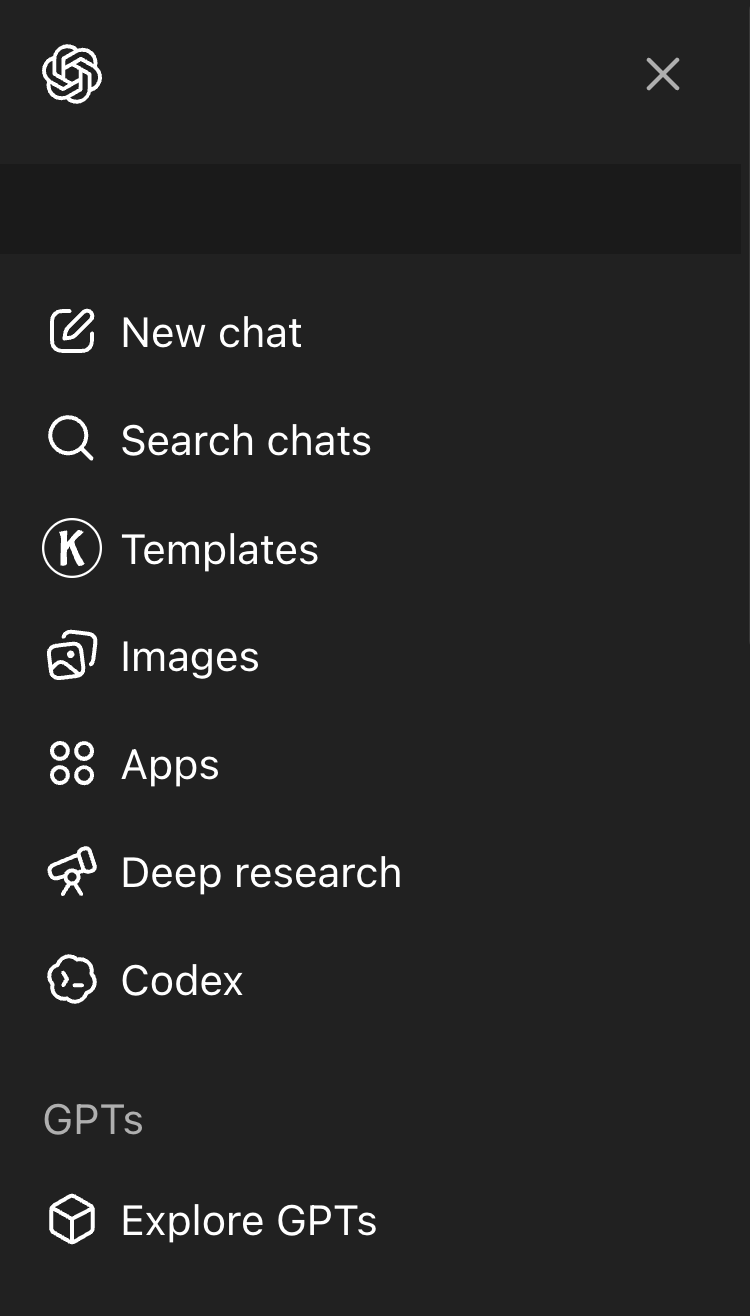
- From the ChatGPT sidebar, select Explore GPTs
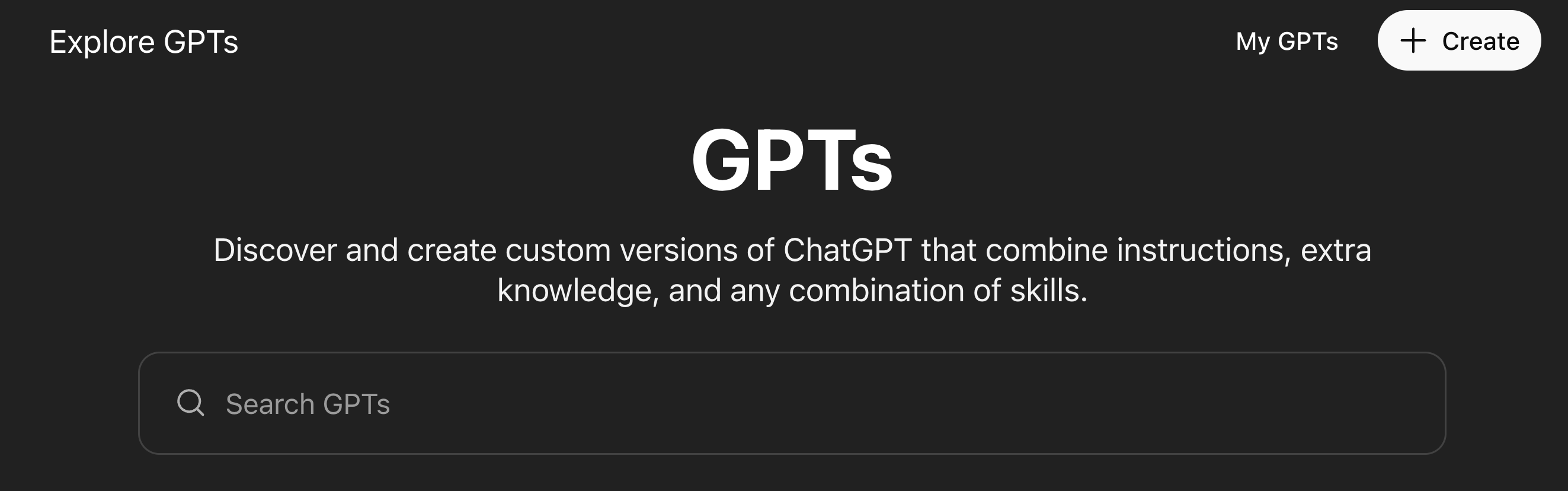
- On the top right of the page, click Create
- Now, in the Custom GPT editor, there are two tabs. Create, and Configure.
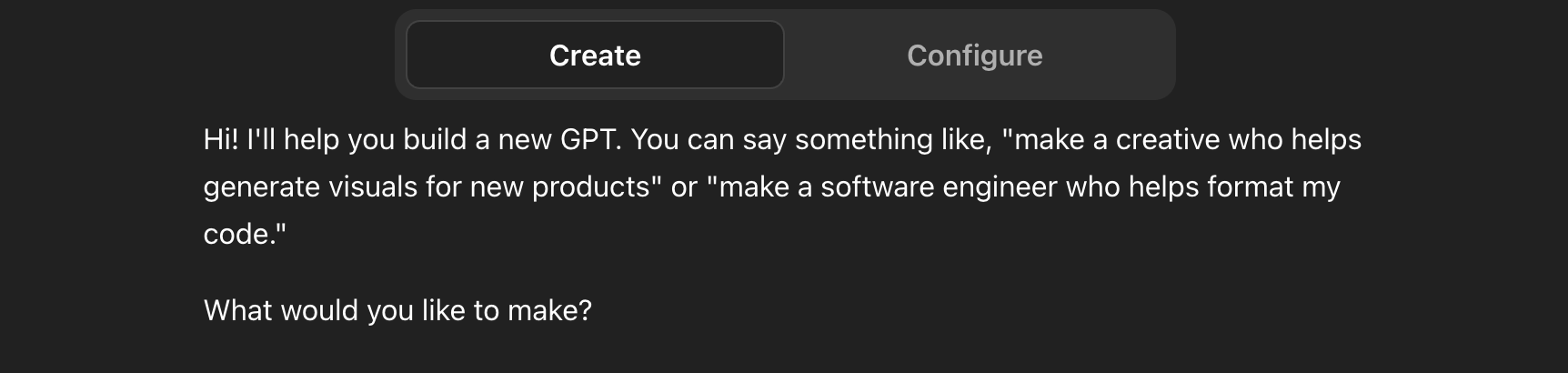
Create lets you describe the custom GPT you want to create, and ChatGPT will do its best to make it for you.
Configure gives you deeper control of the customization, allowing you to directly write and modify the instructions and conversation starters, and allowing you to upload knowledge files that the GPT can reference. You can also enable capabilities for the custom GPT such as Web Search, Canvas, Image generation and Code Interpreter.
Review and Iterate
As you build your custom GPT, make sure to test it with different prompts, and see if it responds properly. Refine and tweak the instructions as needed.
Publish
Once your GPT feels ready, hit create on the top right to publish your custom GPT! You can always come back later to tweak and improve things, so don’t worry about making it perfect right now.